Documentation menu
Canvases and assistants
My projects
Every canvas, document and automation you saved to your account, to open again from any device.
Open, rename or delete
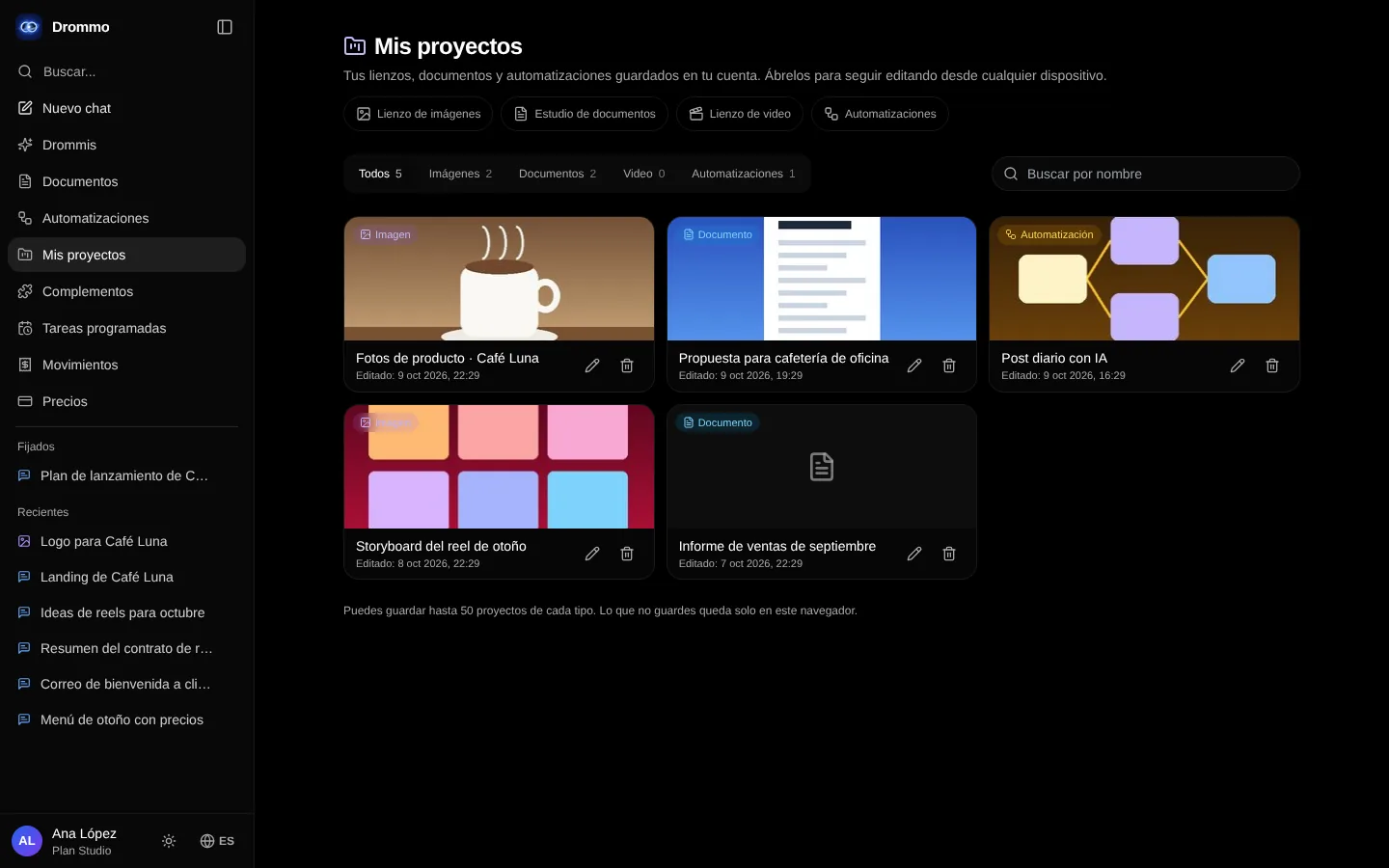
- 1
Save a project
On a canvas, in Drommo Docs or in Drommo Flow, press the folder button and choose "Save to my account". From then on it saves itself.
- 2
Find it
Open My projects in the side menu. Filter by type or search by name; each card shows when it was last edited.
- 3
Open, rename or delete
Opening a project takes you back to its own canvas, where you keep editing. The pencil renames it and the trash can deletes it; deleting an automation also removes its schedule and history.
You can save up to 50 projects of each type. What you do not save stays only in that browser.
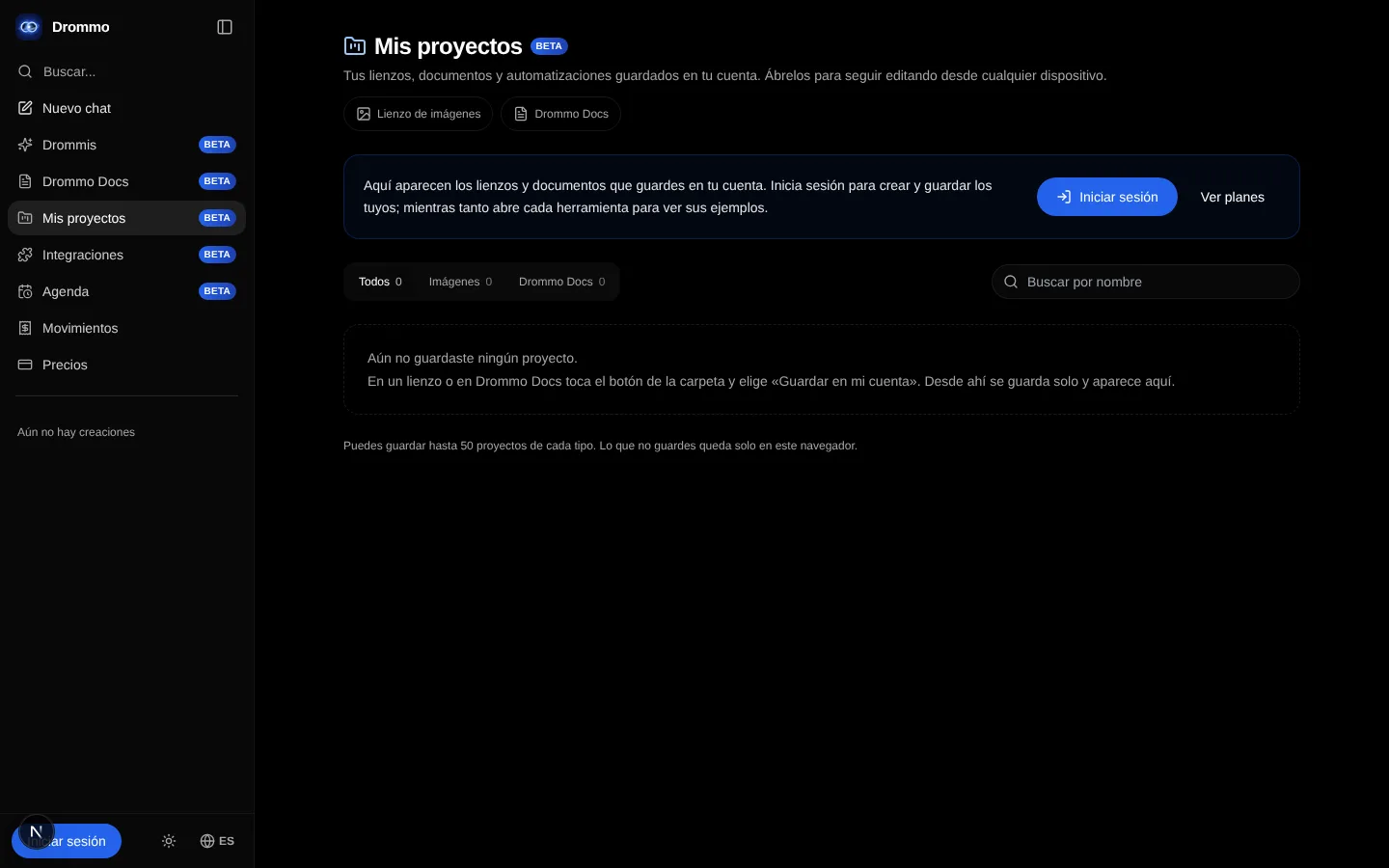
Without an account, My projects shows the page with the project types and the buttons to sign in and see the plans. Your list appears once you create your account.
Related topics