Documentation menu
Get started
Drommo documentation
Write, create images and build web pages from one chat.
Drommo is an AI chat. You pick a mode (text, image or web), write what you want and the answer appears in the same conversation. Type / for skills and image style shortcuts, Integrations add skills and connectors to your other apps, and Agenda runs a prompt for you on a schedule.
Your first message
Pick a mode, write a prompt and get your first answer.
Prompt examples
Ready-to-copy prompts for text, images and web pages.
Academy
Free step-by-step courses with practice, exams and certificates.
What you can do
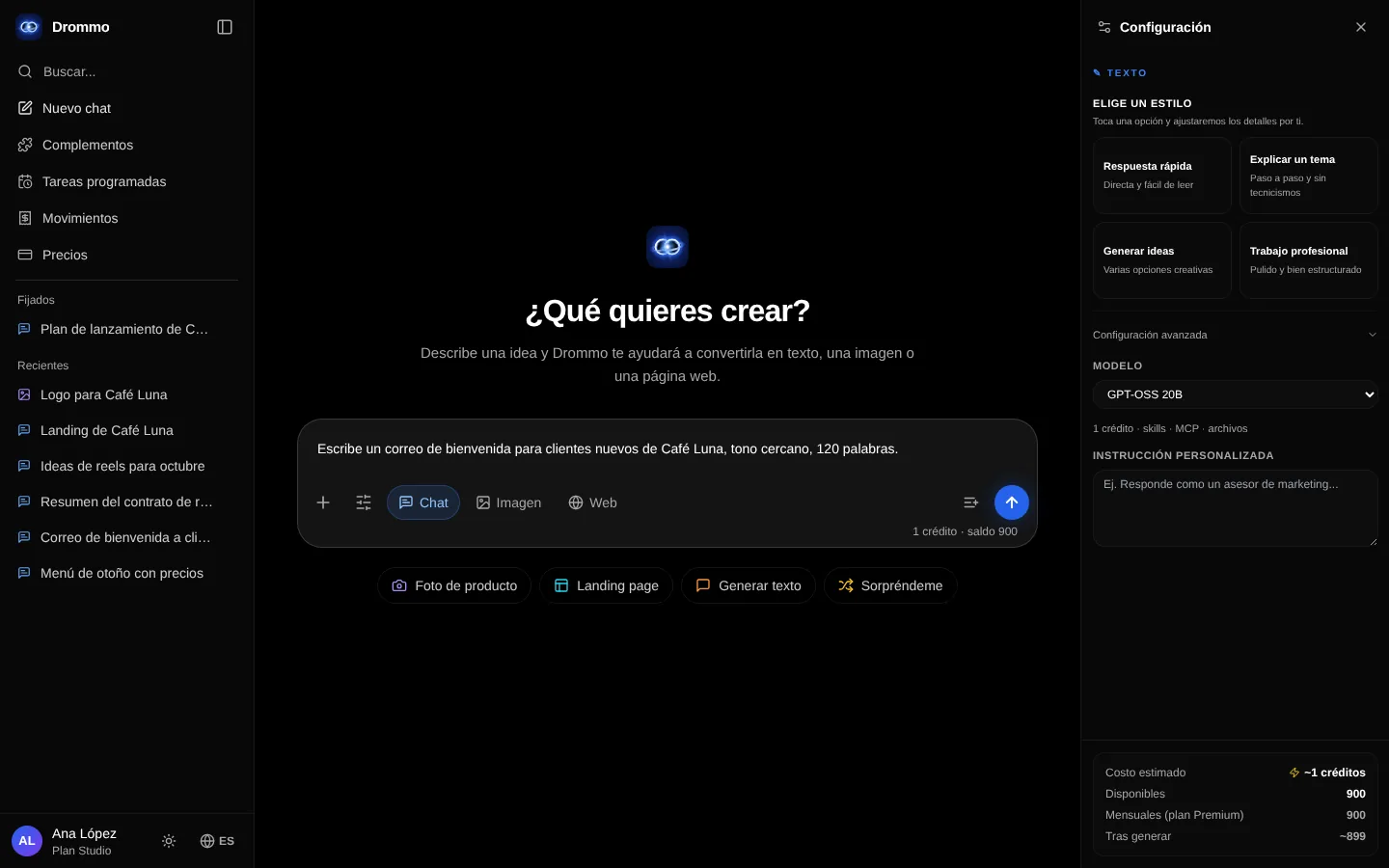
Chat modes
Text, image and web in the same conversation.
Images
Styles, / shortcuts like /podcast, lighting and aspect ratio.
Add to chat
Photos, files, research, memory and models.
Integrations
Skills and connectors to Notion, GitHub, Buffer, Meta Ads and more.
The / menu
Apply a skill to a single message.
Agenda
A prompt that runs every hour, day or week.
Image canvas
Reference photos, AI notes, editing tools and saved projects.
Drommo Docs
Turn files, web pages and notes into a document, slides or a table.
Drommis
Your own assistants that answer from your files, with citations.
My projects
Every canvas, document and automation you saved, in one place.
Before you start
- Without an account you can open every tool in the side menu read-only, with an example loaded: you see how it works, but you cannot send prompts or edit. Brand kit and Drommo Flow come with paid plans, so they do not show.
- Create your free account to save your chats and use the tools. The Free plan includes the basic models; the models marked Premium need a paid plan. Each plan has a usage limit; the pricing page shows the plans.
- The Academy is free and open to everyone. Once you sign in, your progress is saved in your account and follows you to any device.
- Drommo works in Spanish and English; change the language from the side menu.
- Settings → Privacy shows whether what you create can be used to improve Drommo's models, and lets you turn it on or off.
Answers are produced by AI models and can contain mistakes. Check important information before relying on it.
Related topics