 Image
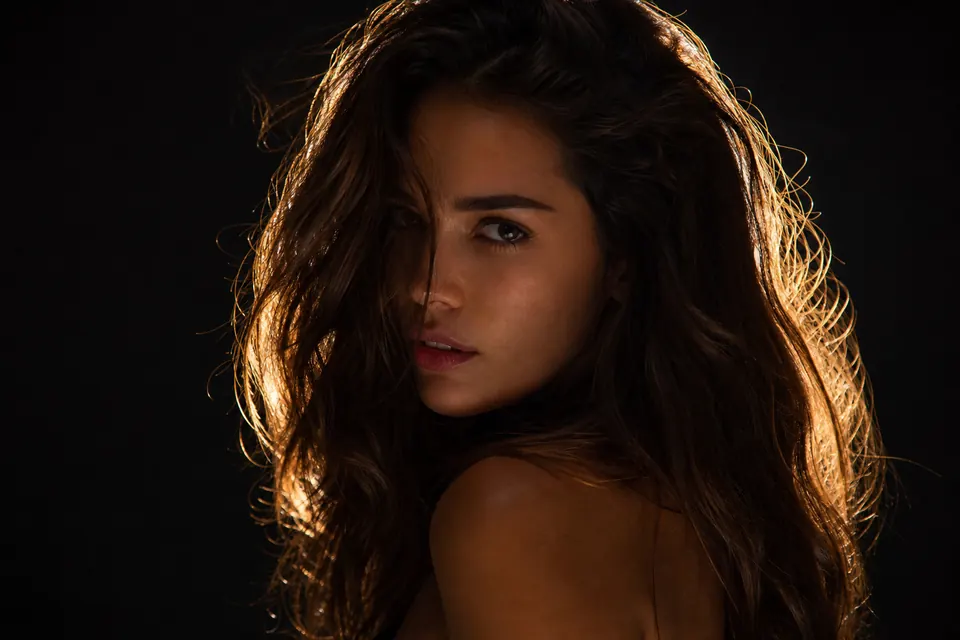
A woman with messy loose hair, with a dark brown hue. Her hair is brilliantly backlit, creating a luminous golden halo that contrasts sharply with the dark background. Expression…
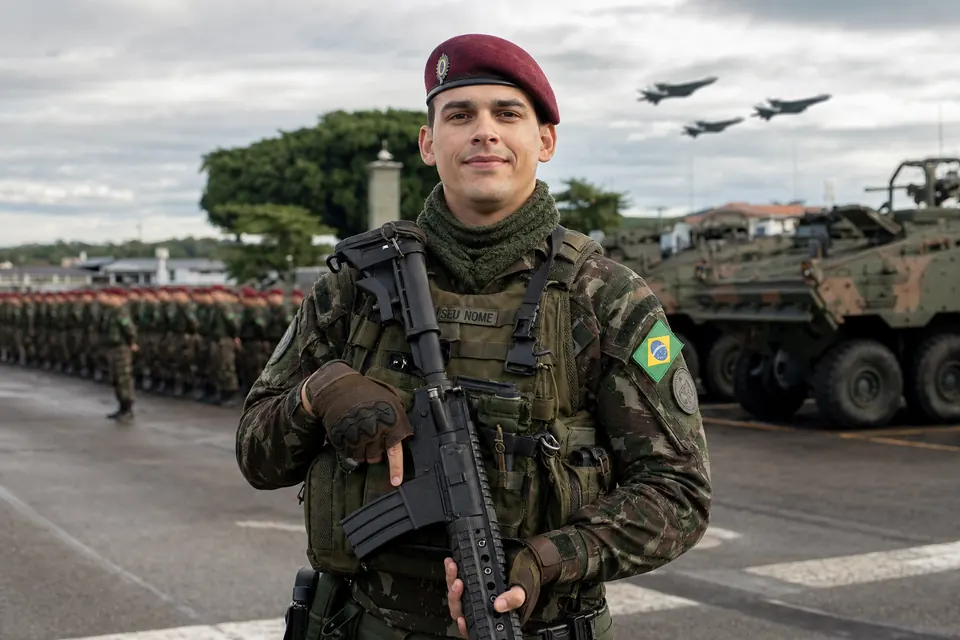
Create a realistic photograph of a soldier in a ready position, with a slight smile, standing outdoors. The soldier is me, wearing a camouflage military uniform in shades of green, brown and beige, with an olive green tactical vest full of pockets and compartments. The name (YOUR NAME) is written on the vest. I wear a burgundy beret with a metallic badge, a green wool collar wrapped around my neck and brown gloves. On the right arm there is a coat of arms with the Brazilian flag. I am holding a modern black rifle, caliber 5.56 mm (M16), resting in front of my body with both hands. The background shows green bushes and gray asphalt flooring. Behind, complement the scene with an epic military backdrop, including tanks, army cars, fighter jets flying in the sky and soldiers in formation in the background. The lighting must be balanced and realistic, conveying the atmosphere of a military operation. The scene must combine readiness and seriousness with cordiality and humanity expressed by the slight smile. MODEL OR TOOL: Gemini. (No reference photo in this session: the bundled asset uses a generic soldier; use Gemini with your photo for "eu". Replace YOUR NAME on the vest with your actual name when regenerating.)
“Create in Drommo” opens a chat in the right mode with the prompt already typed. Nothing is sent until you send it.
ImageA woman with messy loose hair, with a dark brown hue. Her hair is brilliantly backlit, creating a luminous golden halo that contrasts sharply with the dark background. Expression…
 Image
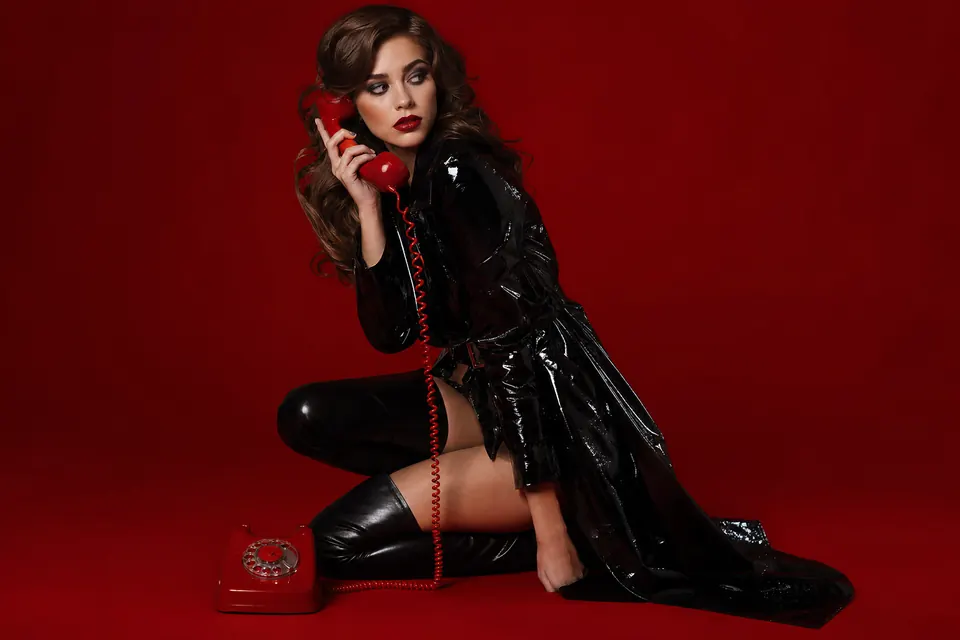
A glamorous young woman, with long wavy brown hair, striking red lipstick and dark eye makeup, poses sensually in a dramatic red themed studio. She is squatting, wearing a shiny…
 Image
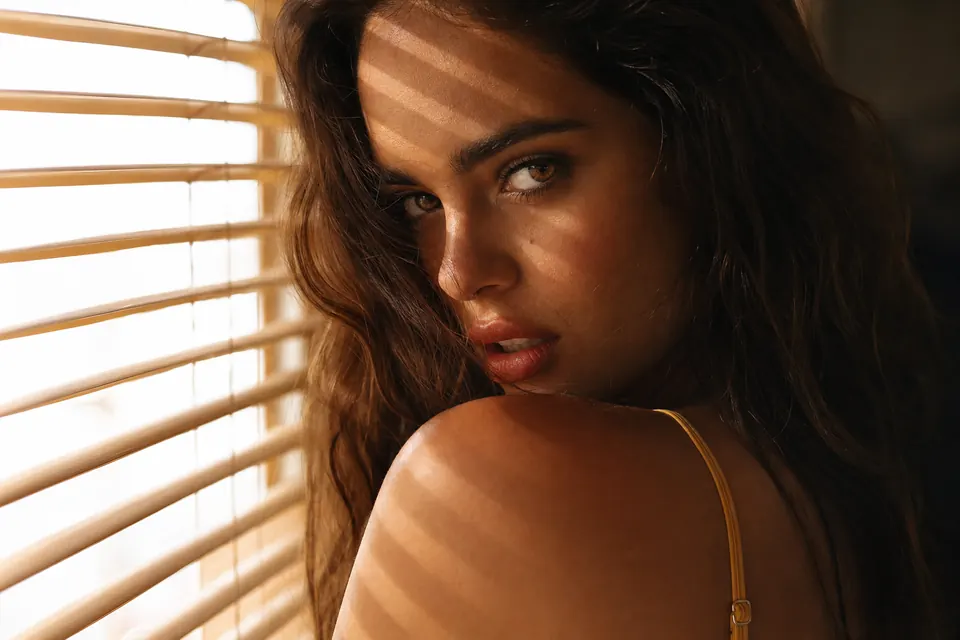
An extremely intimate and dramatic close-up portrait photograph, with a golden hour and chiaroscuro (light and shadow) aesthetic. It captures a female figure indoors, near a…
 Image
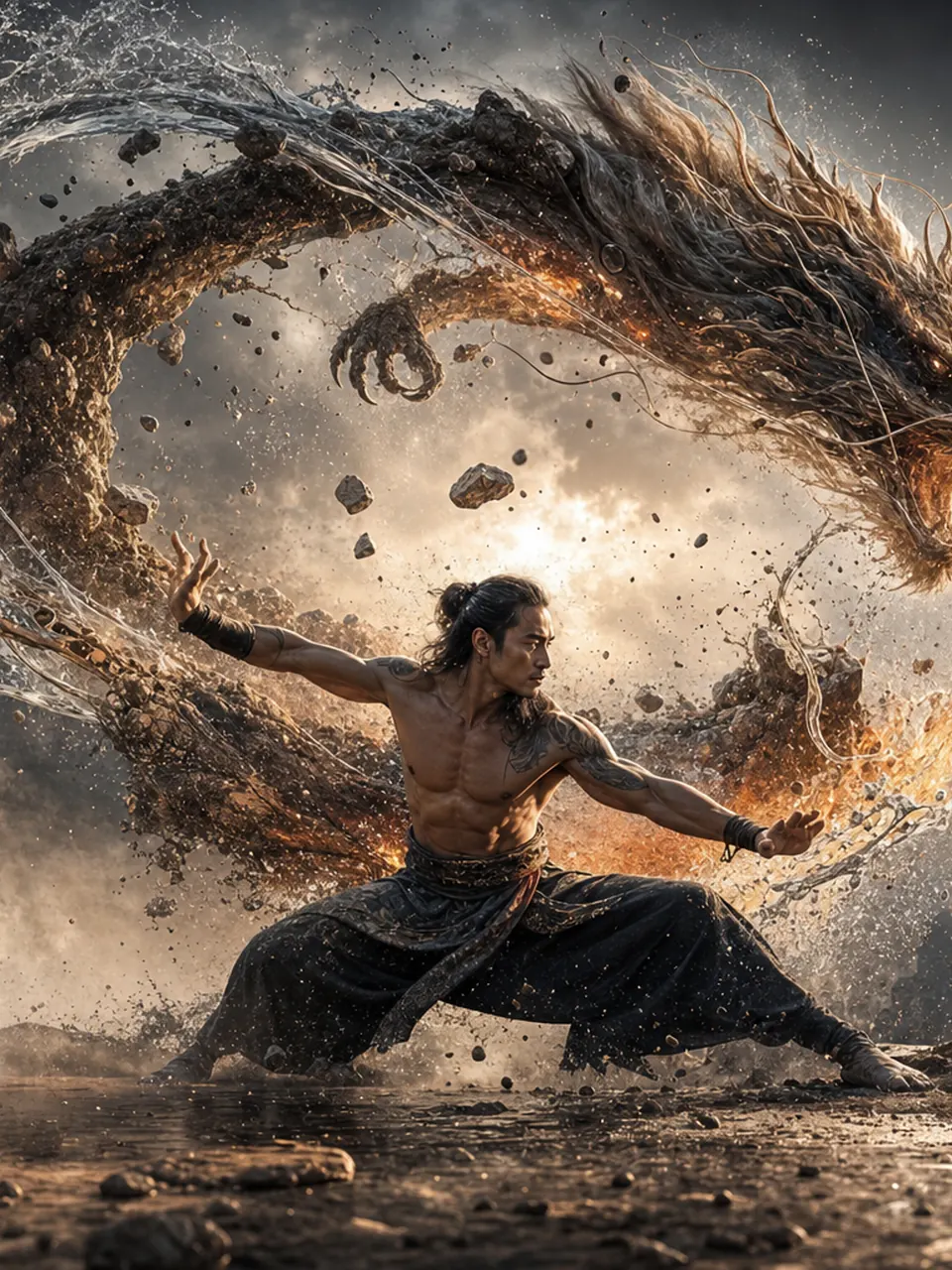
A hyper-realistic 8K cinematic up-close photo of a man (use attached photo) performing an avatar bending stance outdoors. A swirling ring of all four elements: earth, air, water…
 Image
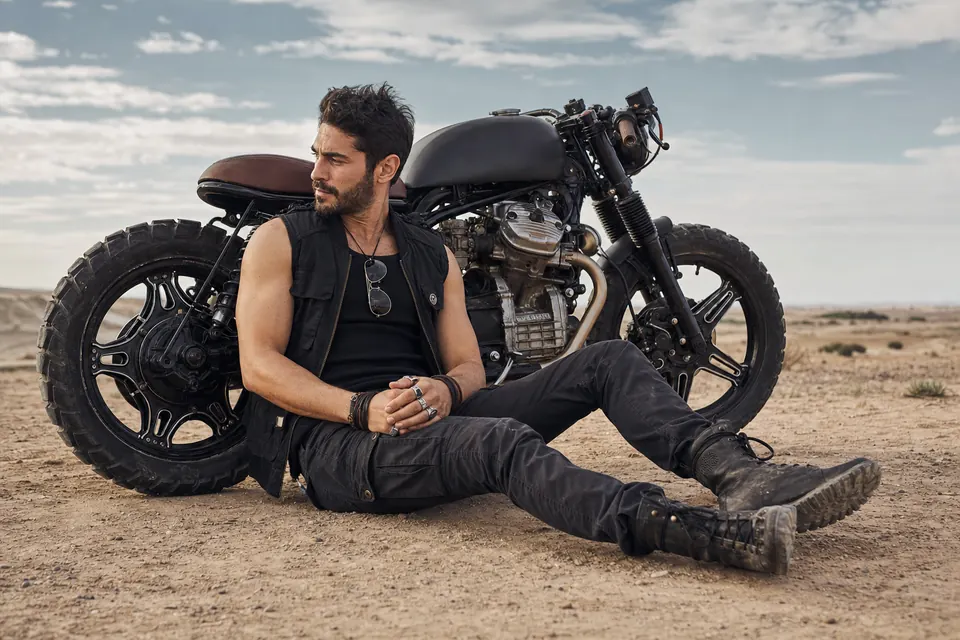
A fashion and lifestyle photograph with a rugged, adventurous aesthetic, capturing a male figure sitting casually next to a customized motorcycle. The subject is seated on the…
 Image
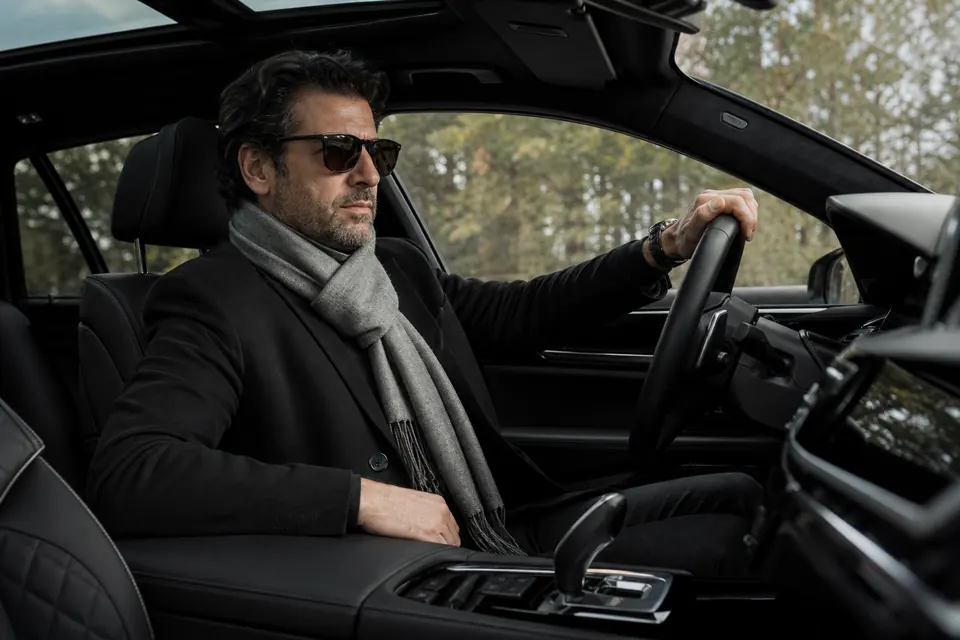
A hyper-realistic and ultra-detailed portrait of the man in the reference photo, maintaining 100% of the original facial features, hair, expression, accessories and body details…
 Image
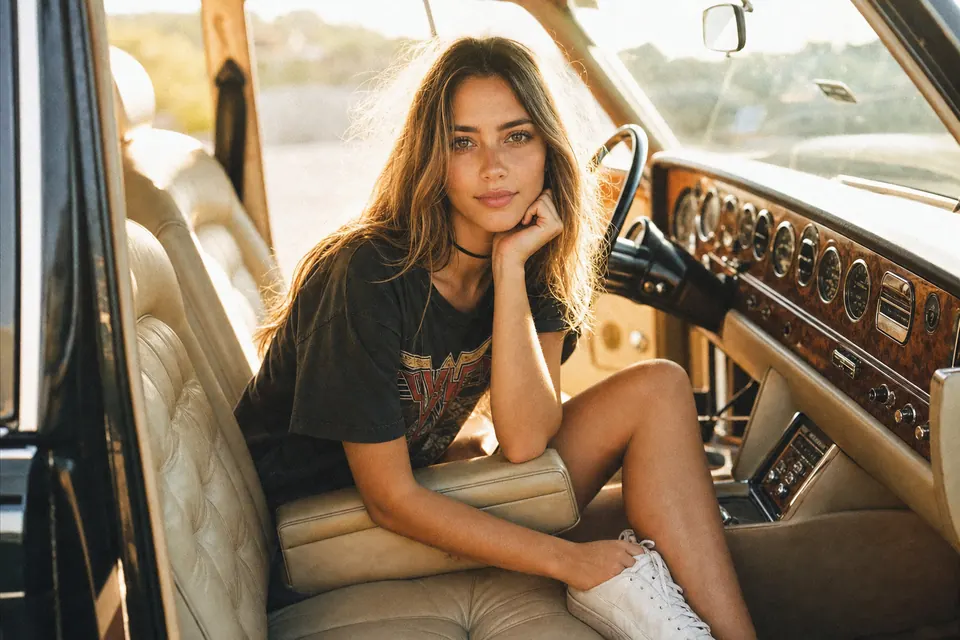
A lifestyle photograph with a vintage, sun-drenched aesthetic captures a female figure inside a classic luxury car. The subject sits casually in the driver's seat, angled toward…
 Image
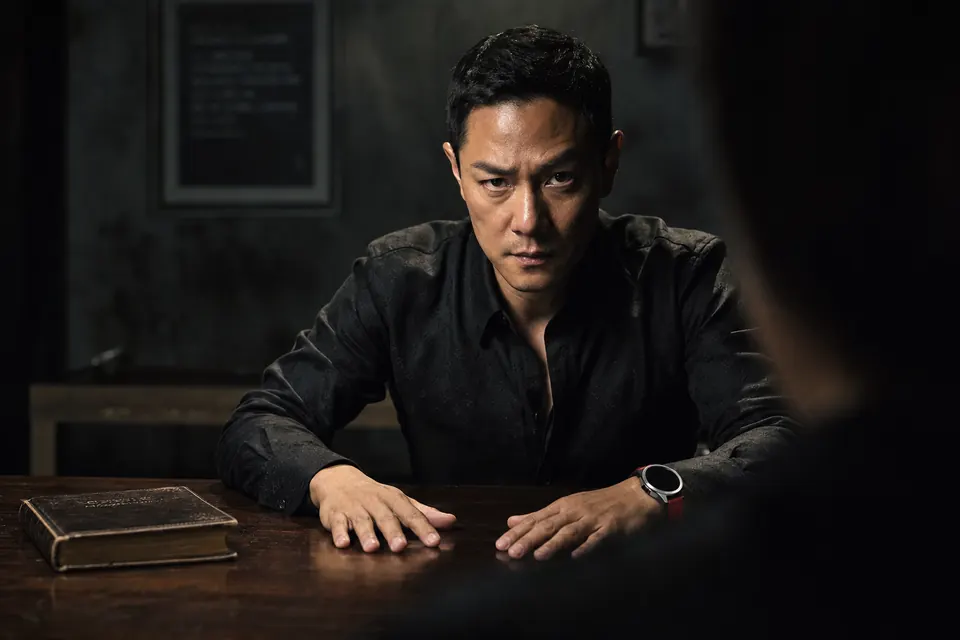
By maintaining the original face and without changing anything from the face and hairstyle. A middle-aged man of Asian descent, around the age of 35-39 years, with a very…